Portal dashboard
When you log into the Skipp portal, the first thing you'll see is the dashboard.
What's in the dashboard
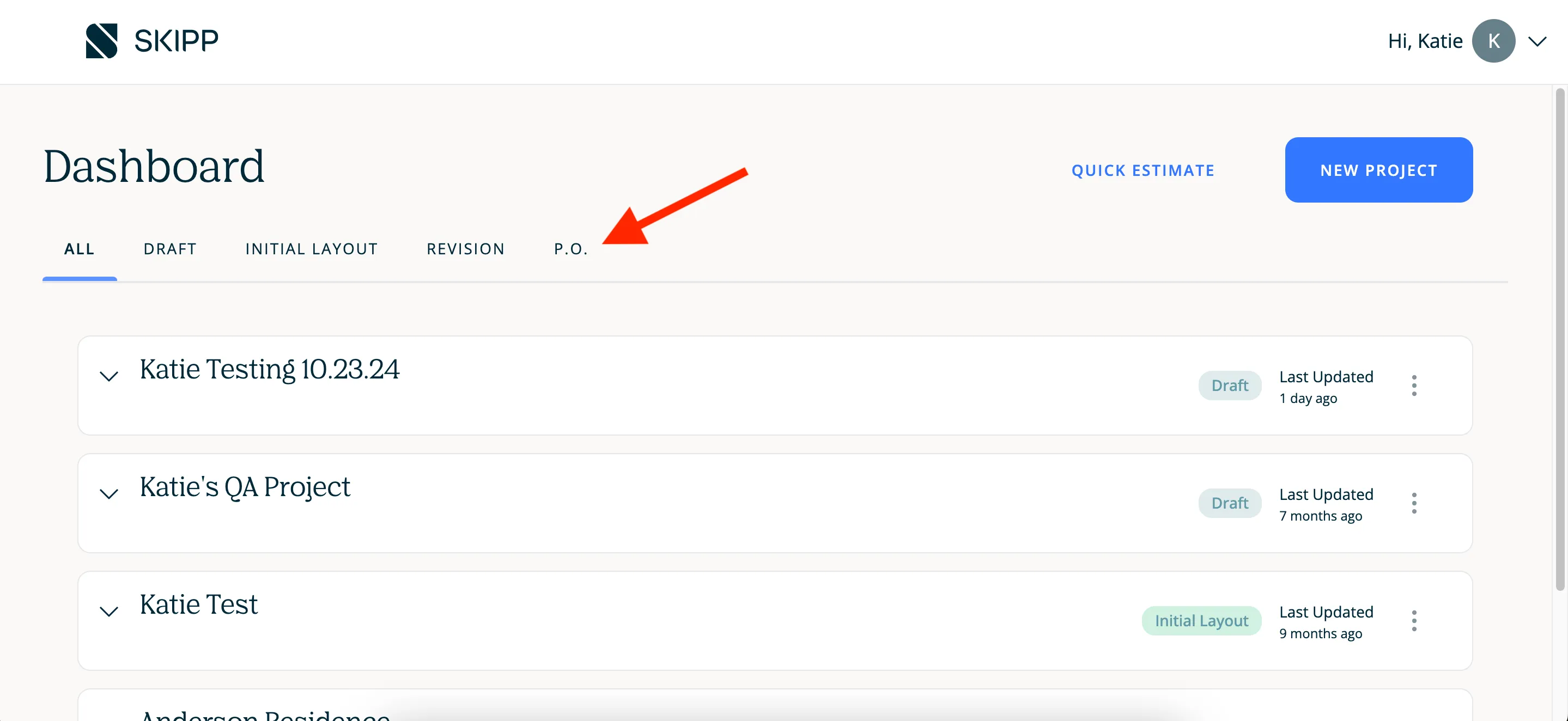
You'll see all your projects are tagged with their current status: Draft, Initial Layout, Revision, P.O. See more details about project statuses here.
By default, you'll see all projects, but you can filter your projects by clicking on the status tabs:
What actions you can take from the dashboard
Work on a project
In order to see and work on your project, click on the project name. The first thing you'll see when you open the project is the task list.

Start an estimate
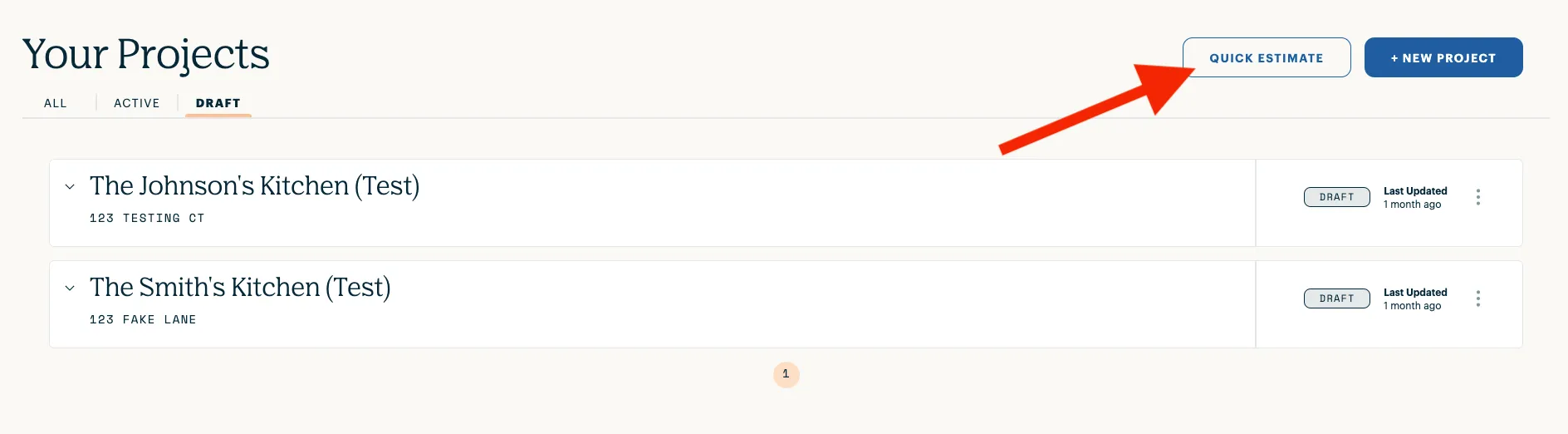
You can start a quick estimate for a project using the button in the upper righthand corner of your screen.
Create a new project
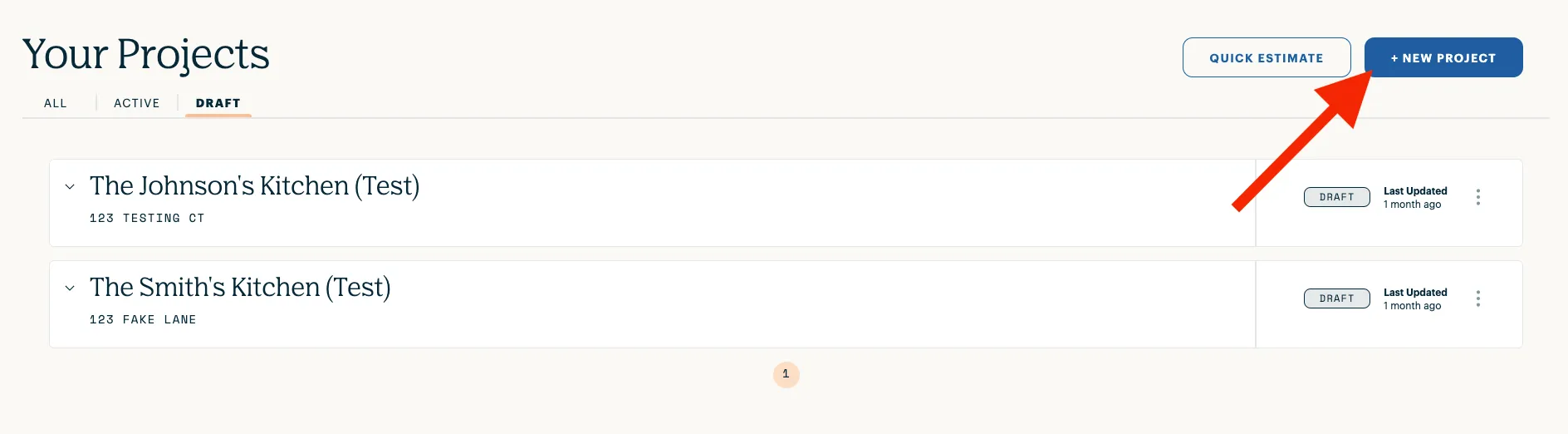
You can also create a new project by clicking the New Project button.
Archive a project
You can remove old projects from this list by clicking on the three dots next to the project status, then click Archive.
Archived projects may be retrieved by emailing [email protected].
